
Literacy Access
Use focused tools to capture printed text, compose and revise writing, and listen back.
District-ready assistive technology
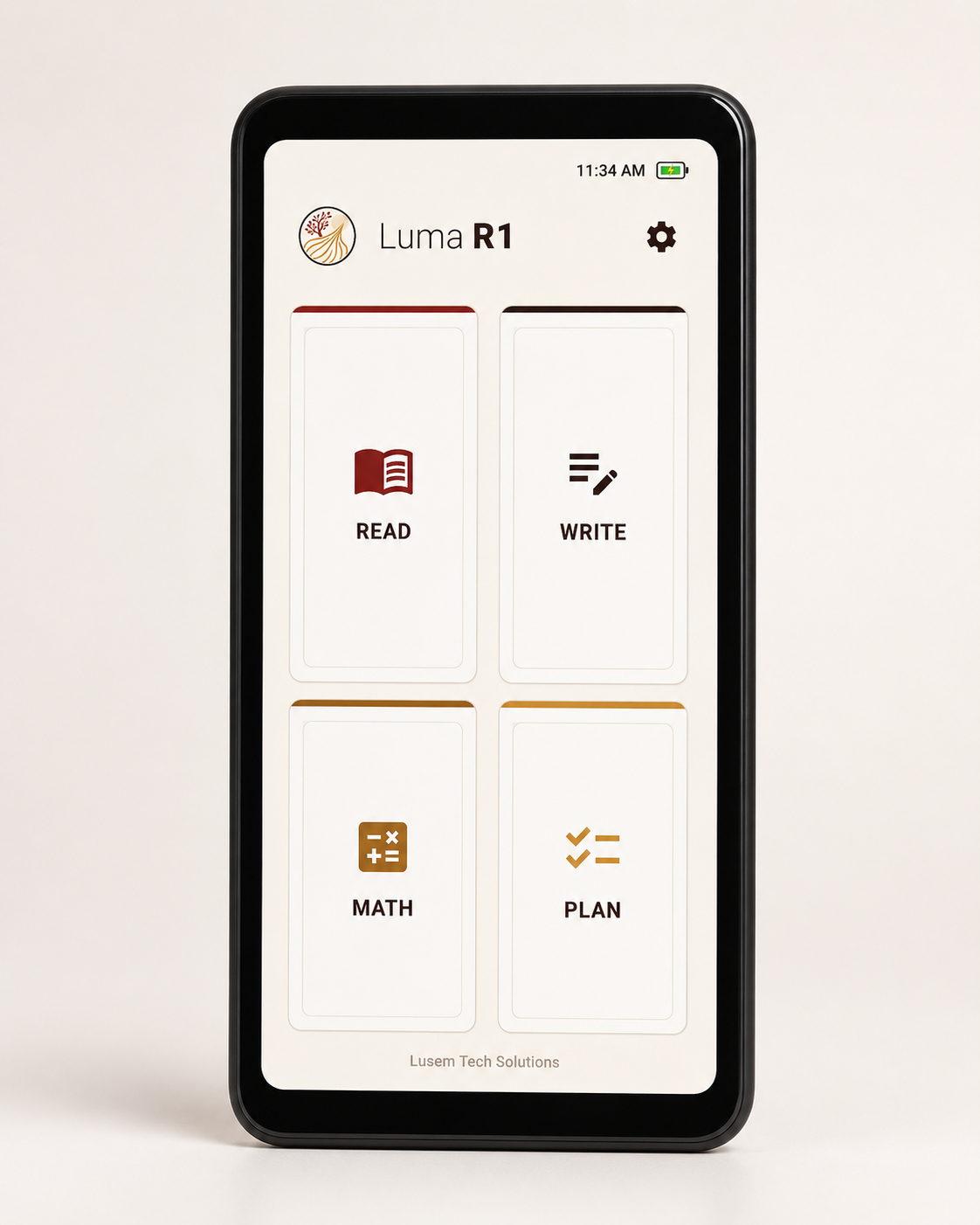
Luma R1 is a dedicated assistive literacy device with focused Read and Write tools, plus Math and Plan tools for selected tasks. It does not include a web browser, app store, games, or hidden tabs. Settings can remain student-accessible or be locked and hidden.
Student and classroom context
School teams may consider Luma R1 when a student needs additional access to supported reading and writing tasks. This can include students receiving general-education interventions through MTSS or RTI, English learners working on supported classroom tasks, and students receiving supports through a Section 504 Plan or IEP. Math and Plan provide additional tools for selected tasks; school teams should review the documented capabilities and limitations for the intended use.
Key differentiators
Use focused tools to capture printed text, compose and revise writing, and listen back.
Luma R1 does not include a web browser, app store, games, or general entertainment apps.
Read, Write, Math, and Plan work offline. Optional software updates require an active internet connection.
Settings can remain student-accessible or be locked and hidden, with visibility controls for selected tools.
Literacy support + handwriting
Luma R1 can capture printed classroom text, move recognized text into Write, and provide typing, dictation, prediction, editing, and playback controls before a paper response.
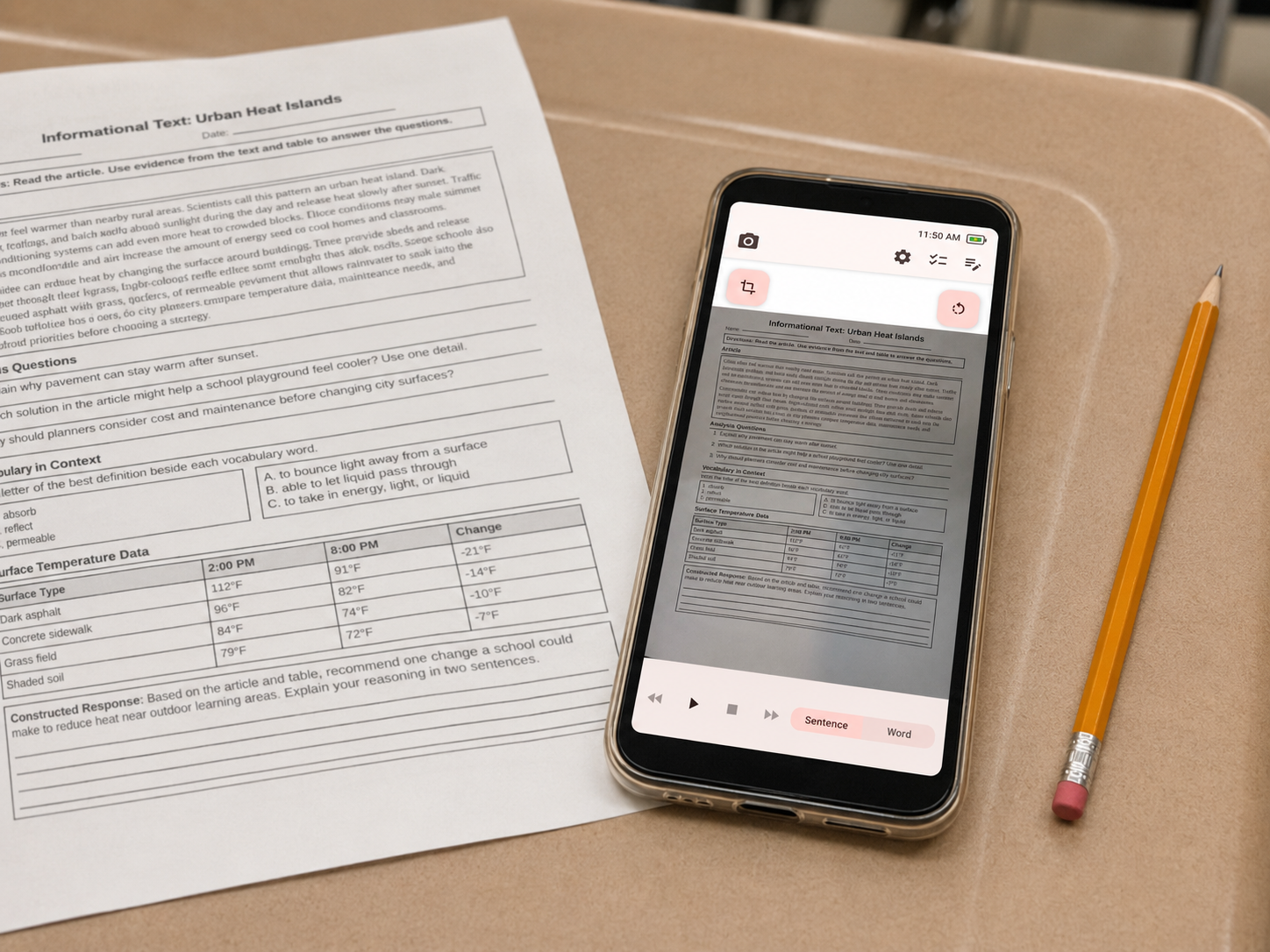
Capture printed text, listen to it, and review the page on a focused device without opening a browser or moving the assignment into another platform.
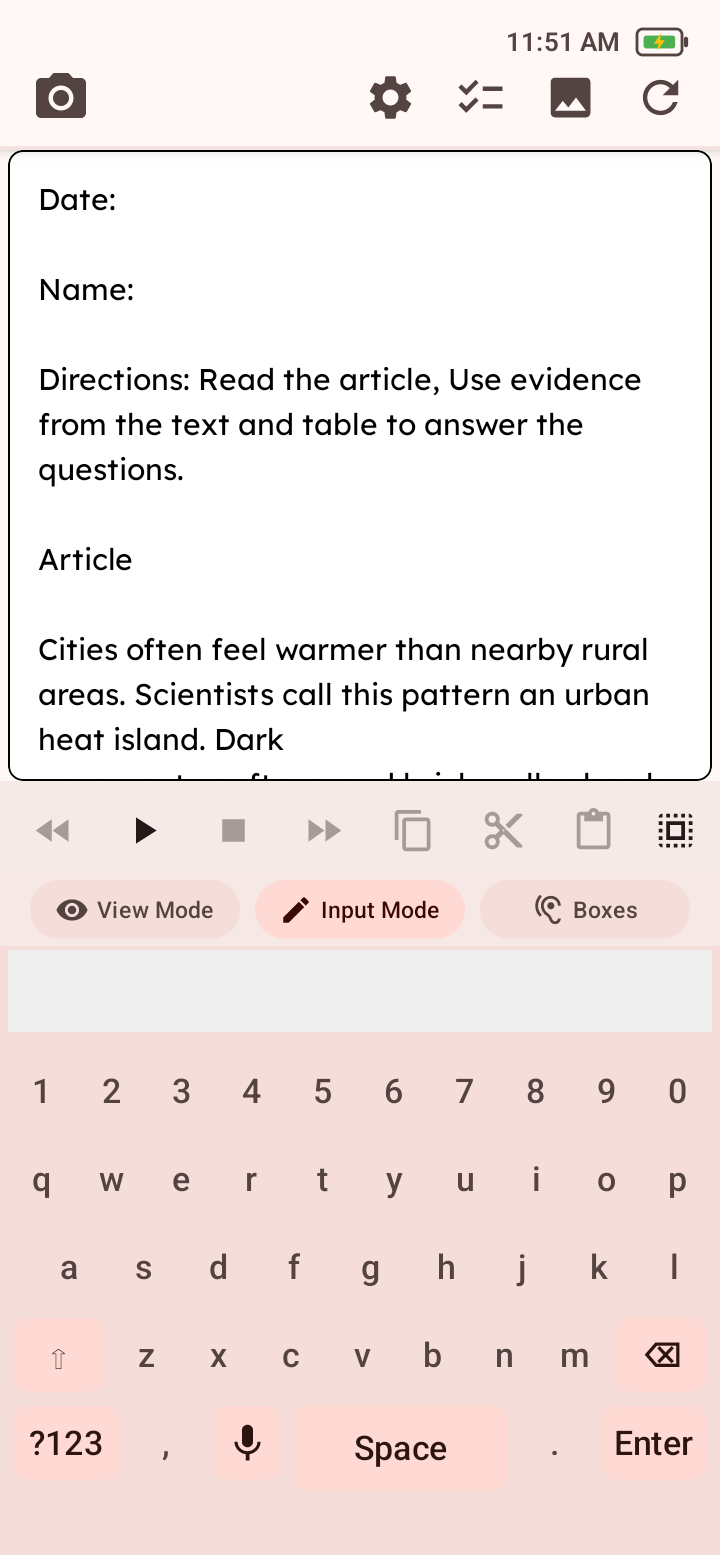
Move recognized text into Write, then use typing, dictation, word predictions, editing, and read-aloud review to compose or correct a response.
Capture printed work, listen to recognized text, and review the material.
Use spelling and writing tools to develop, edit, and listen back to ideas.
Use the reviewed response as a guide and complete the paper assignment with a pencil.
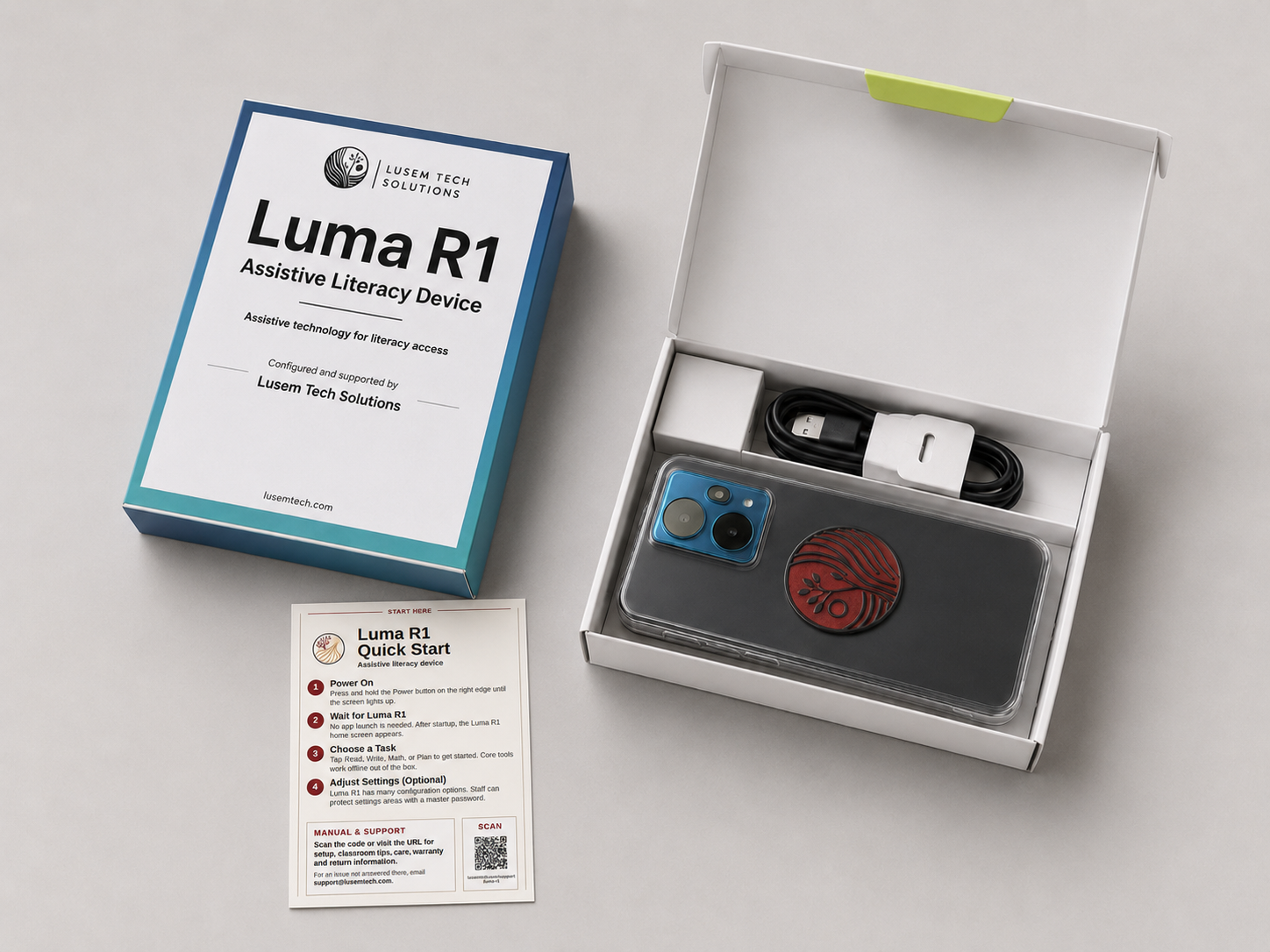
Request a written quote or ask questions about Luma R1 for your school or district.
Launch Price: $329 per Luma R1
Shipping and applicable sales tax are calculated separately. Request a written quote for your organization. Standard quotes are valid for 30 days, and all orders are subject to Lusem acceptance and applicable terms.